

Install the panel, place sensors, connect power, configure the app, and test.
If you want a safe, calm home, learning how to set home alarm system is a smart move. I have set up many systems in apartments, townhomes, and large houses. In this guide, I walk you through the full process in plain language.
You will see what to buy, where to place devices, and how to avoid common mistakes so you can set it up right on the first try.
Plan Your Security Blueprint
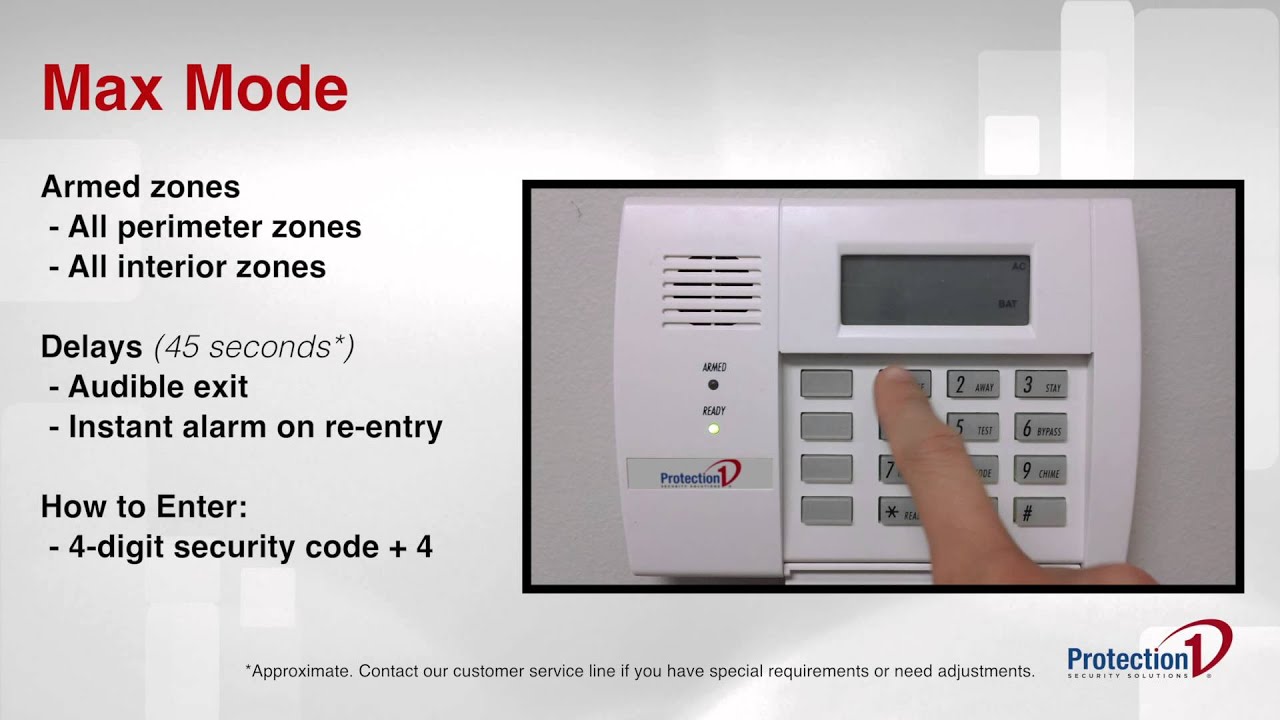
Good installs begin with a plan. Stand outside and walk your property. Note doors, ground-floor windows, sliding doors, and dark areas. Inside, note hallways, stair landings, and spots a person must pass. This plan guides how to set home alarm system for your layout.
List your goals. Some people want a loud siren and phone alerts. Others want pro monitoring and video clips. Write down your budget, internet type, and if you can run cables. This will help you pick the best setup.
Create a simple map of your home. Mark the control panel, keypad, siren, entry sensors, motion sensors, smoke sensors, and cameras. This map keeps your install tidy and fast.

Choose the Right Alarm System
Your first key choice is the platform. Most people pick wireless because it is simple and fast. Wired is strong and stable, but it takes more time and skill.
Think about these factors:
- Monitoring type. Pro monitoring calls police or fire for you. Self-monitoring sends phone alerts to you.
- Connection. Wi‑Fi is fine for many homes. Add cellular backup if your internet drops a lot.
- Smart home support. Pick systems that work with your phone, voice assistants, and locks.
- Expandability. Make sure you can add sensors later.
If you ask how to set home alarm system that fits your life, start by matching the system to your home size, budget, and risk level.
Tools and Parts You Need
Gather your kit before you start. Missing tools slow you down and cause poor installs.
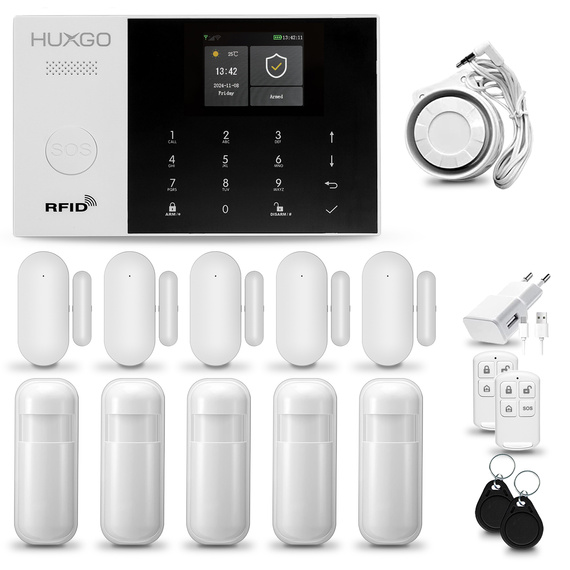
You will need:
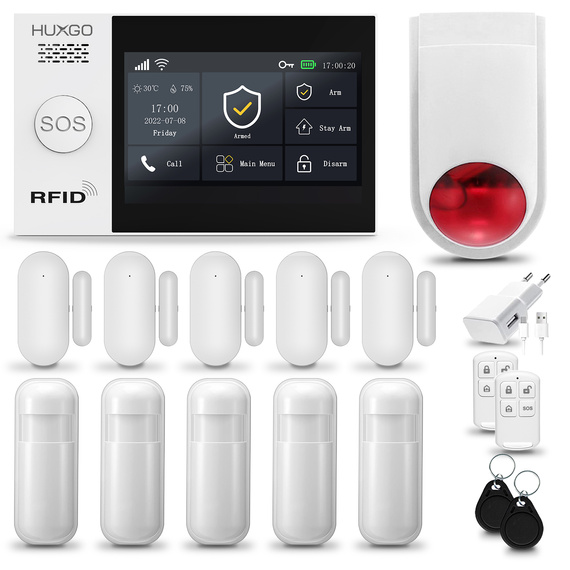
- Control panel or base station, keypad, and siren
- Door and window contact sensors
- Motion sensors and, if desired, glass break sensors
- Smoke and carbon monoxide sensors if supported
- Yard sign and window decals
- Power supply, backup battery, and optional cellular module
- Smartphone with the alarm app installed
- Drill with bits, level, pencil, screws, and adhesive strips
- Cable clips and labels
With the right gear, how to set home alarm system becomes a simple series of steps instead of a long project.

How to Set Home Alarm System: Step-by-Step Setup
Follow these clear steps. Take your time. Keep notes.
- Unbox the kit and check parts. Confirm all sensors and power cables are present.
- Place the control panel near a central spot. Keep it off the floor and away from windows.
- Power the panel. Let it boot fully, then update firmware in the app if prompted.
- Create your account in the app. Set a strong password and enable two-factor login.
- Add each sensor in the app. Name them by location, like Front Door or Kitchen Window.
- Mount door and window sensors. Align magnets close and level. Test each open and close.
- Place motion sensors 6–8 feet high. Aim across paths, not toward windows or heat sources.
- Set entry and exit delays. Use a longer exit delay, and a shorter entry delay on key doors.
- Add the siren and test sound levels. Make sure you can hear it from key rooms.
- Run a full system test. Arm away, trigger a sensor, confirm alerts and logging.
This is the core of how to set home alarm system. Keep it simple. Name everything well. Test as you go.
Control Panel and App Configuration
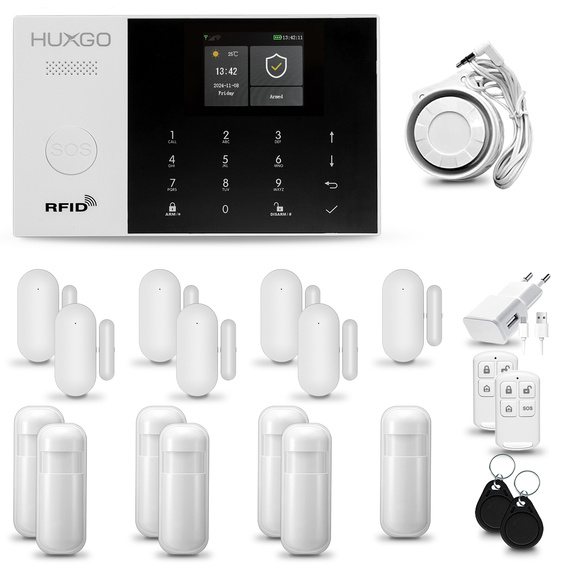
Your panel is the brain. Make it secure and easy to use.
- User codes. Create separate codes for family, guests, and cleaners. Delete guest codes when done.
- Modes. Set Home, Away, and Night modes with different sensor rules.
- Notifications. Choose push alerts for doors, alarms, and low battery. Avoid alert overload.
- Automations. Set rules like arm at 11 pm, or turn on lights when the alarm triggers.
- Integrations. Link your system with locks, garage doors, or thermostats.
If you wonder how to set home alarm system without stress, spend time on smart, clear names and simple rules. It pays off every day.
Smart Sensor Placement
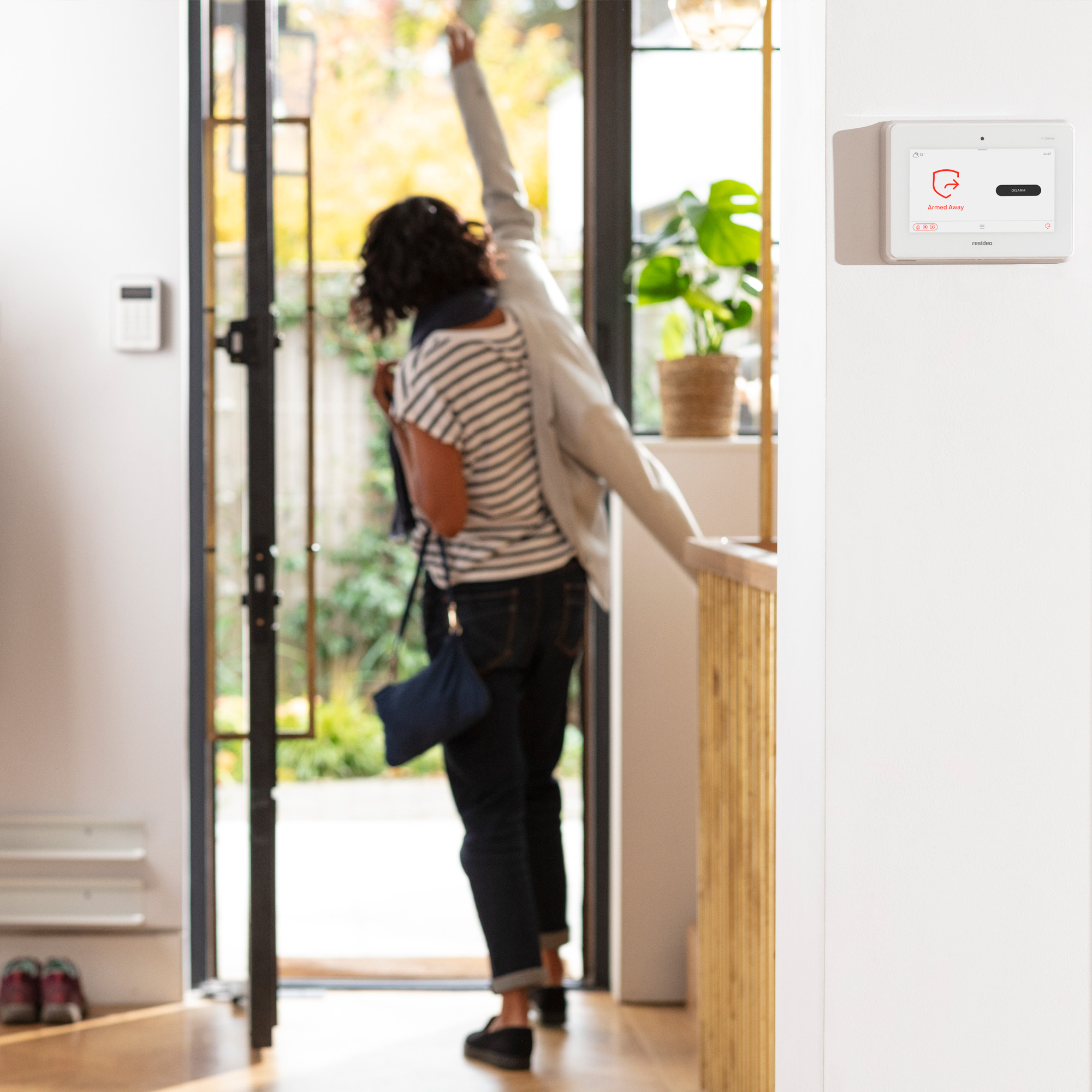
Good placement is the secret to fewer false alarms and better catch rates.
- Doors. Put contact sensors on all main doors. Use longer entry delay on the front door only.
- Windows. Focus on ground-floor and easy-to-reach windows. Mount magnets close and aligned.
- Motion sensors. Cover common paths like hallways and the top of stairs. Avoid pointing at windows, vents, and heaters.
- Glass break sensors. Use in rooms with large panes or sliding doors.
- Smoke and CO. Place outside bedrooms and on every level, if your system supports them.
When planning how to set home alarm system, aim to detect before someone reaches the main living areas. Hard-to-bypass is the goal.

Network, Power, and Backup
Alarms need steady power and a strong link.
- Wi‑Fi. Place the panel where it gets a strong signal. Use 2.4 GHz if range is a problem.
- Cellular backup. Add it if your area has frequent outages or if security is critical.
- Power. Plug into a surge protector. Check the backup battery status in your app.
- Router settings. Reserve an IP for the panel. Keep your router firmware up to date.
- Redundancy. If you work from home, consider a UPS for your router and panel.
Reliable links are part of how to set home alarm system the right way. Without power and signal, even great hardware fails.

Testing, Maintenance, and Troubleshooting
A system is only as good as its last test.
- Monthly test. Arm Away and trigger a door and a motion sensor. Confirm alerts.
- Battery checks. Replace sensor batteries when the app warns you. Keep spares on hand.
- Firmware updates. Install updates for the panel, sensors, and cameras.
- Common fixes. Realign door sensors, move motions away from vents, and reduce app alerts.
- Logs. Review activity to spot patterns, like a loose door or a weak sensor.
Make testing a habit. This is a key step in how to set home alarm system that stays reliable for years.
Compliance, Permits, and False Alarms
Many cities require alarm permits. Some charge for repeated false alarms. Check local rules before you go live.
Reduce false alarms with smart steps:
- Use entry delays on main doors only.
- Set motion sensors to medium sensitivity.
- Train family members and guests to disarm on entry.
- Keep pets away from motion zones or use pet-immune sensors.
Knowing the rules and best practices is part of how to set home alarm system without surprise fees or fines.
Hardening Your Home Beyond Alarms
An alarm is one layer. Add other layers to deter trouble.
- Outdoor lighting and cameras. Light up entries. Record key zones like driveways and back doors.
- Strong door hardware. Use long screws and reinforced strike plates.
- Window locks and film. Slow down forced entry.
- Smart routines. Randomize lights when away to mimic presence.
When you think about how to set home alarm system, think of it as part of a larger shield. Layers make your home safer.
Cost, Time, and Mistakes to Avoid
From my installs, most DIY setups take two to four hours for a mid-size home. Expect to spend more time on clean cable routing and sensor naming. The extra hour saves you from months of confusion.
Avoid these common mistakes:
- Mounting motions facing windows or vents
- Using short names like Door 1 that no one understands
- Skipping monthly tests and battery checks
- Ignoring Wi‑Fi dead spots near the panel
Plan well, and how to set home alarm system becomes smooth, fast, and stress-free.
Frequently Asked Questions of how to set home alarm system
Where should I place the control panel?
Put it in a central spot, not by a front window. Keep it high enough to avoid bumps and near a strong Wi‑Fi signal.
Do I need professional monitoring?
It depends on your risk and budget. Pro monitoring is best if you travel often or want emergency response without checking your phone.
How do I handle pets with motion sensors?
Use pet-immune motion sensors and mount them at the right height. Aim them across rooms, not at furniture where pets jump.
What entry and exit delays should I use?
Use a longer exit delay, like 45–60 seconds. Use a shorter entry delay, like 20–30 seconds, on your main door only.
How often should I test my system?
Test monthly and after any app or firmware update. Run a full arm-away test and confirm alerts on your phone.
Conclusion
You now have a clear path to plan, install, and maintain a strong alarm setup. With smart placement, clean naming, steady power, and routine tests, your system will stay reliable and easy to use. Take one room at a time, follow the steps, and you will be done in an afternoon.
Start your plan today. Map your home, pick your system, and set the first sensor. If this helped, subscribe for more home security guides, or leave a question and I will help you dial in the details.